Ward Drive OS — every feature verified on an Android 14 emulator (Galaxy S21 screen) with a simulated drive from downtown Dallas to Love Field · 2026-10-11
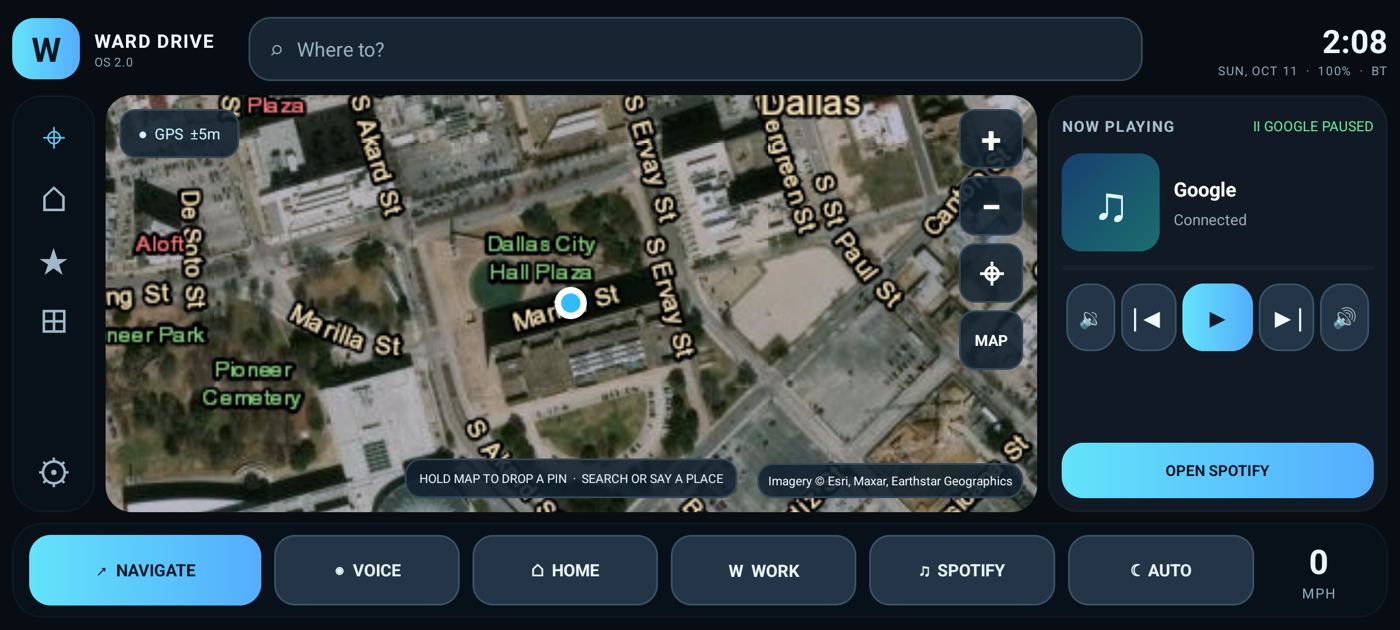
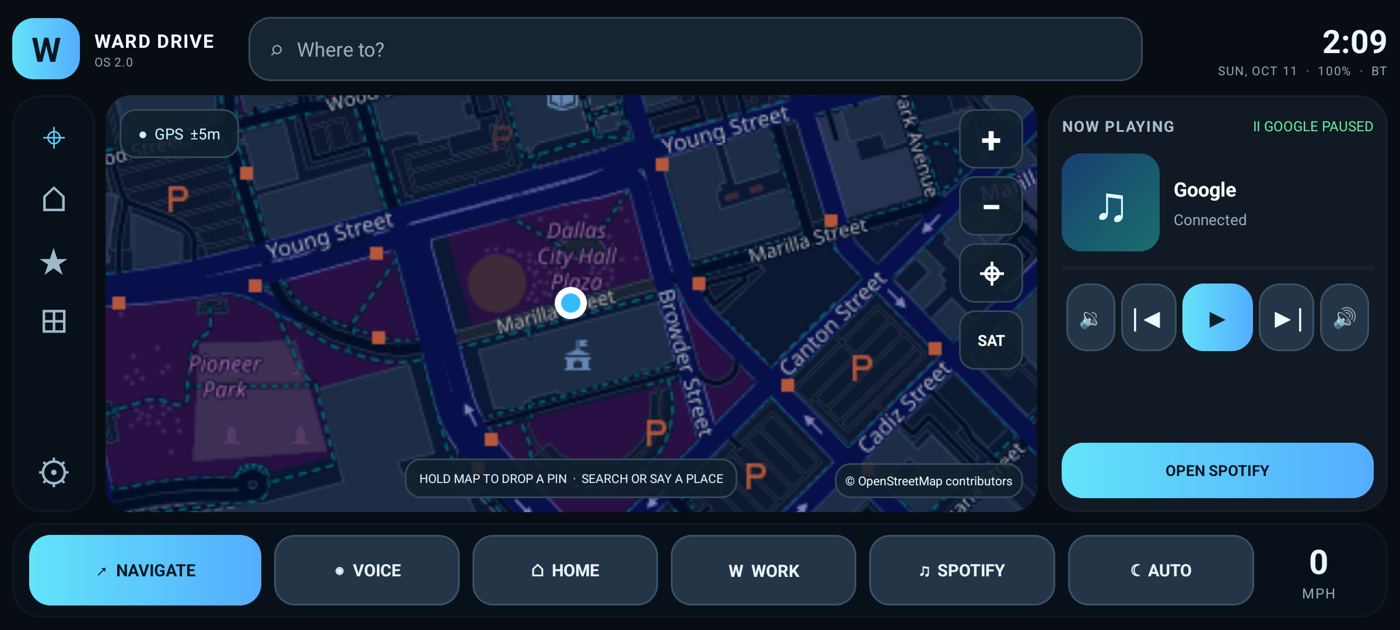
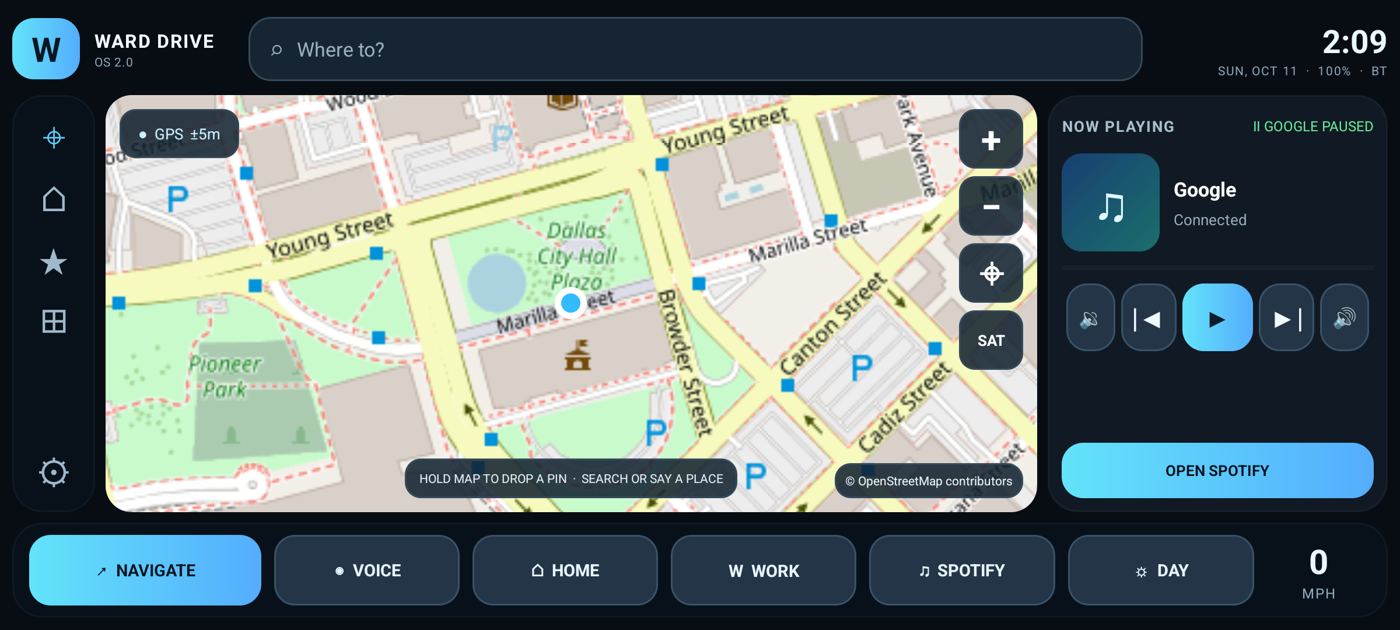
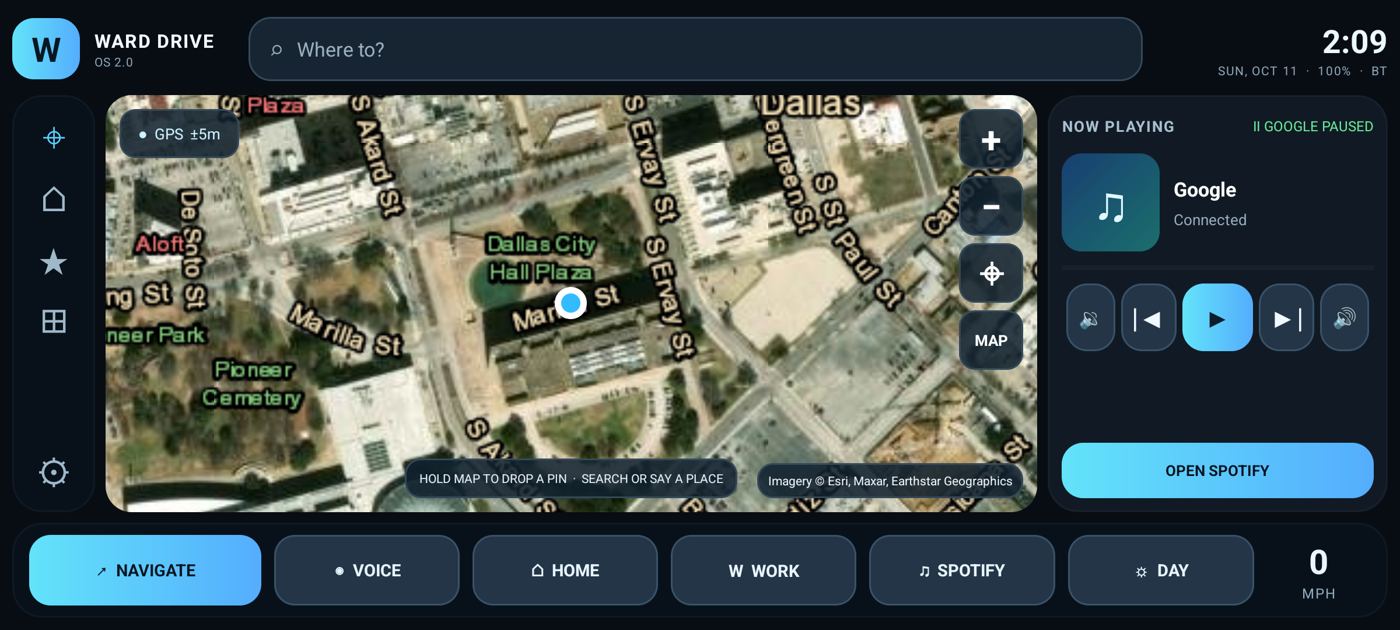
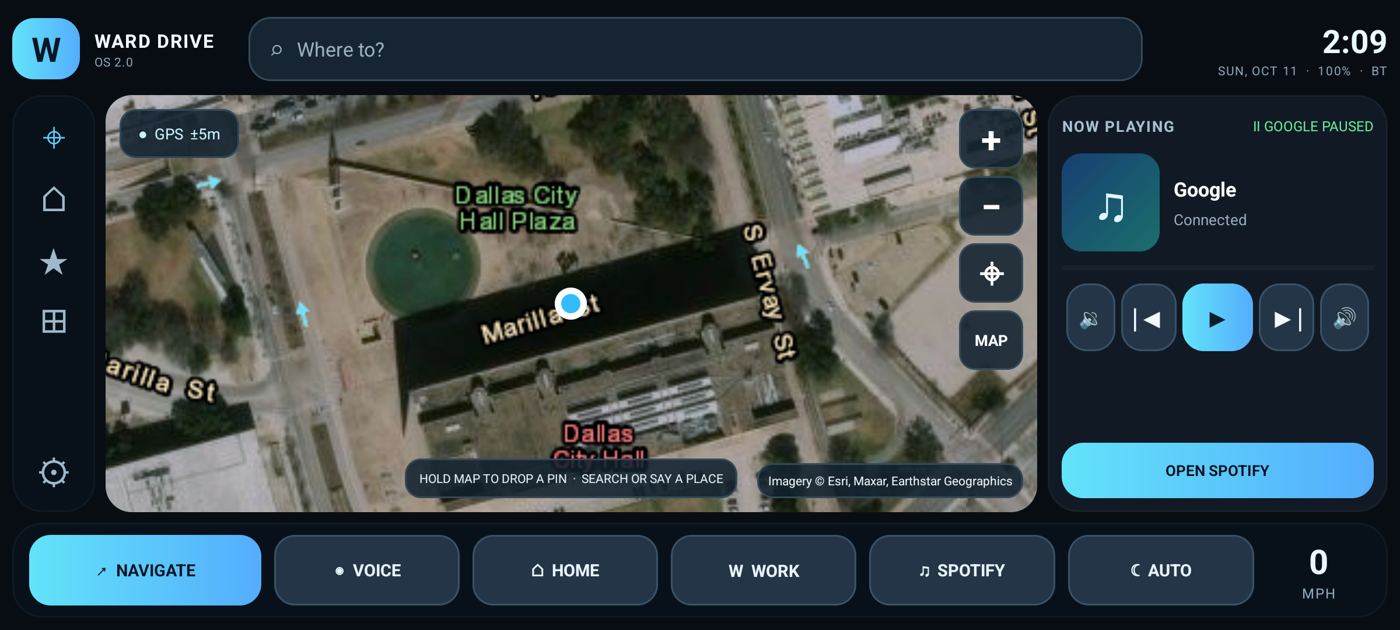
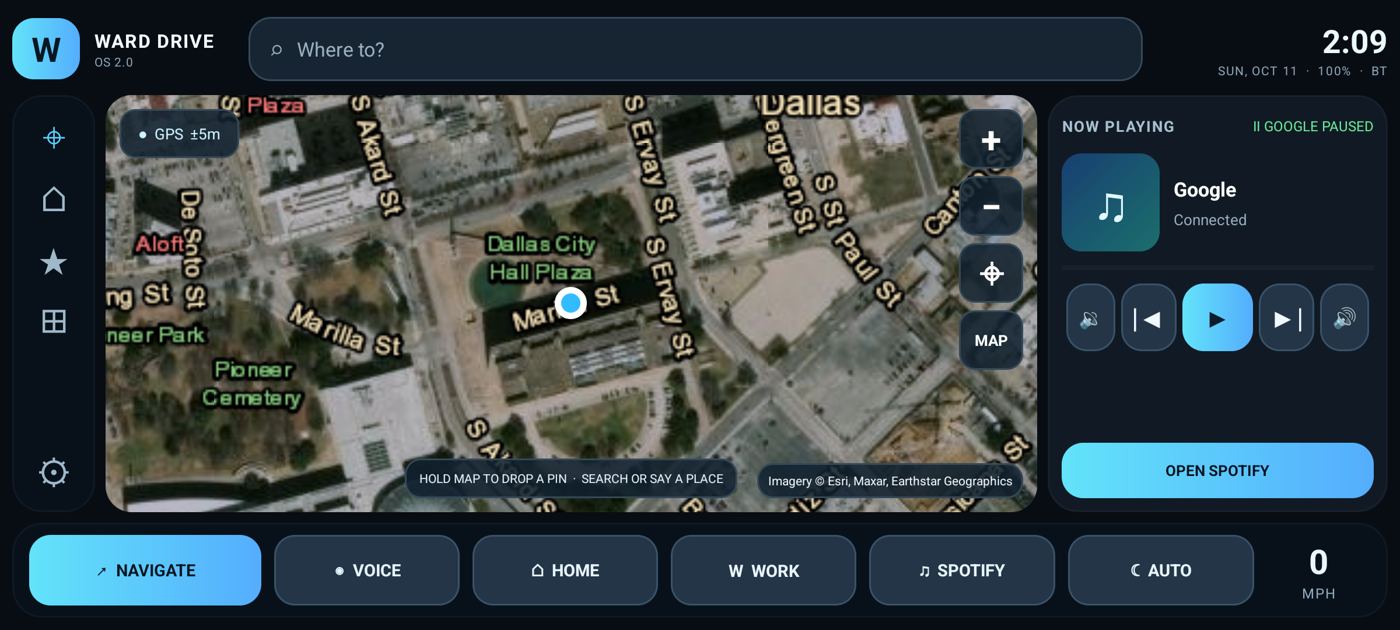
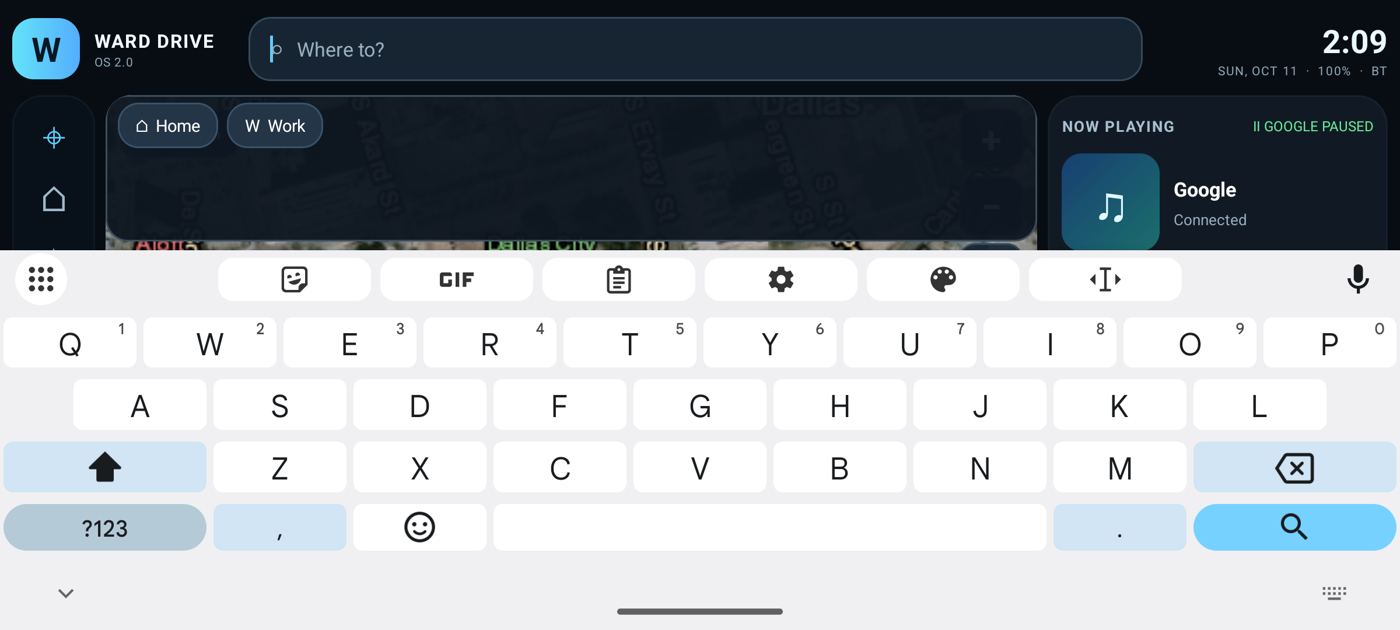
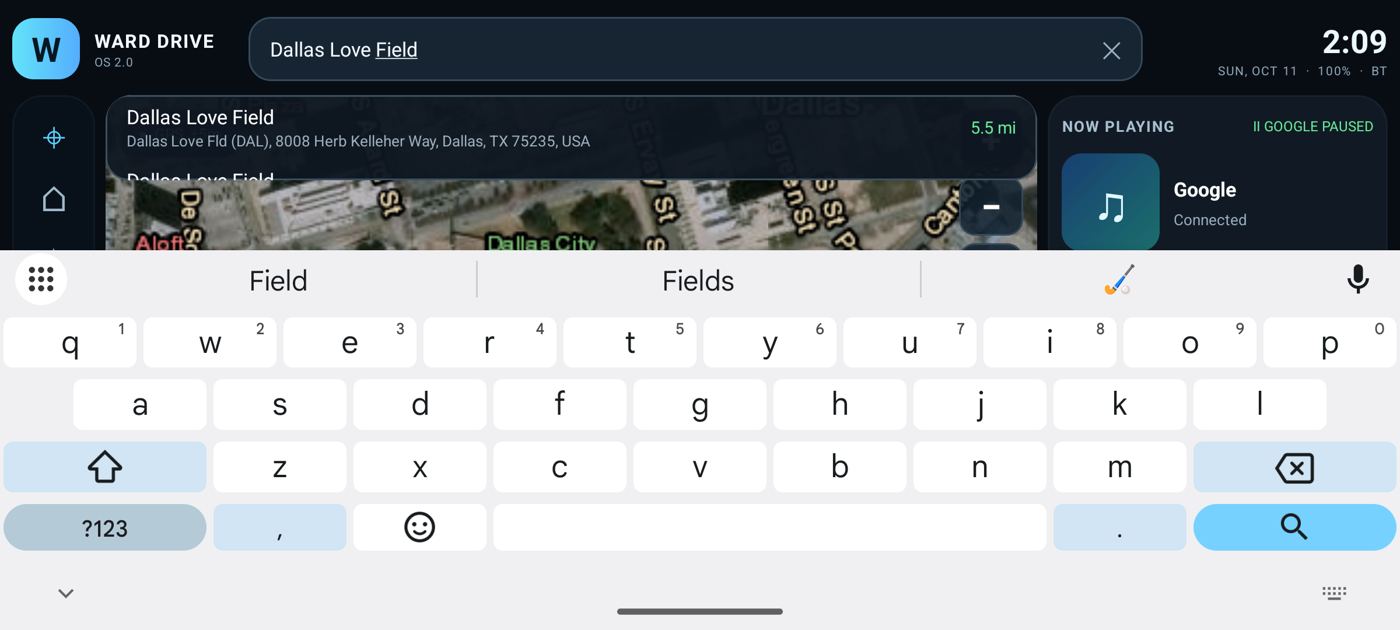
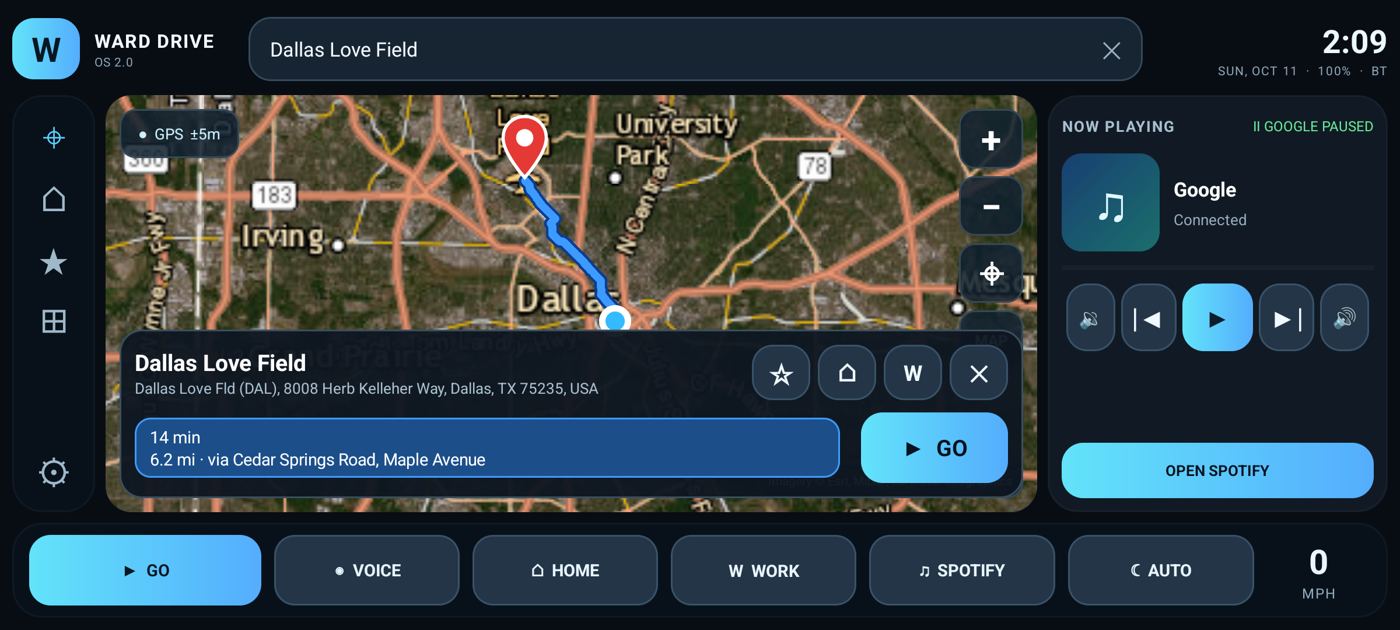
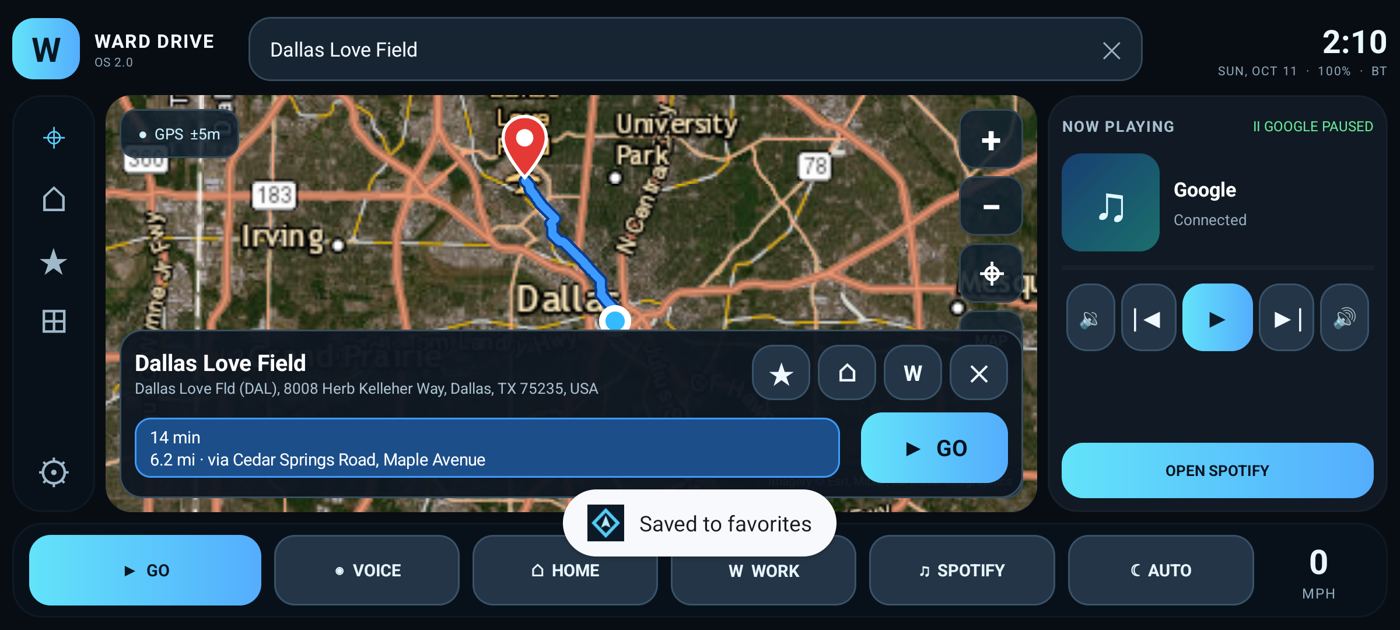
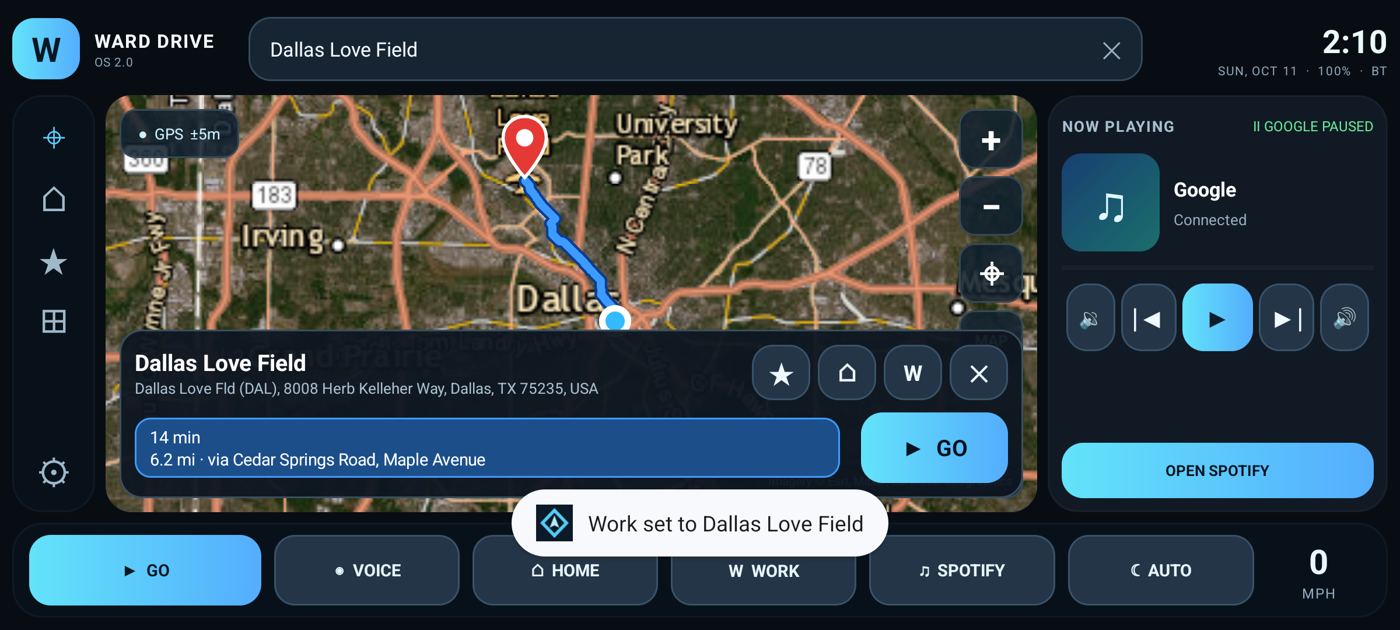
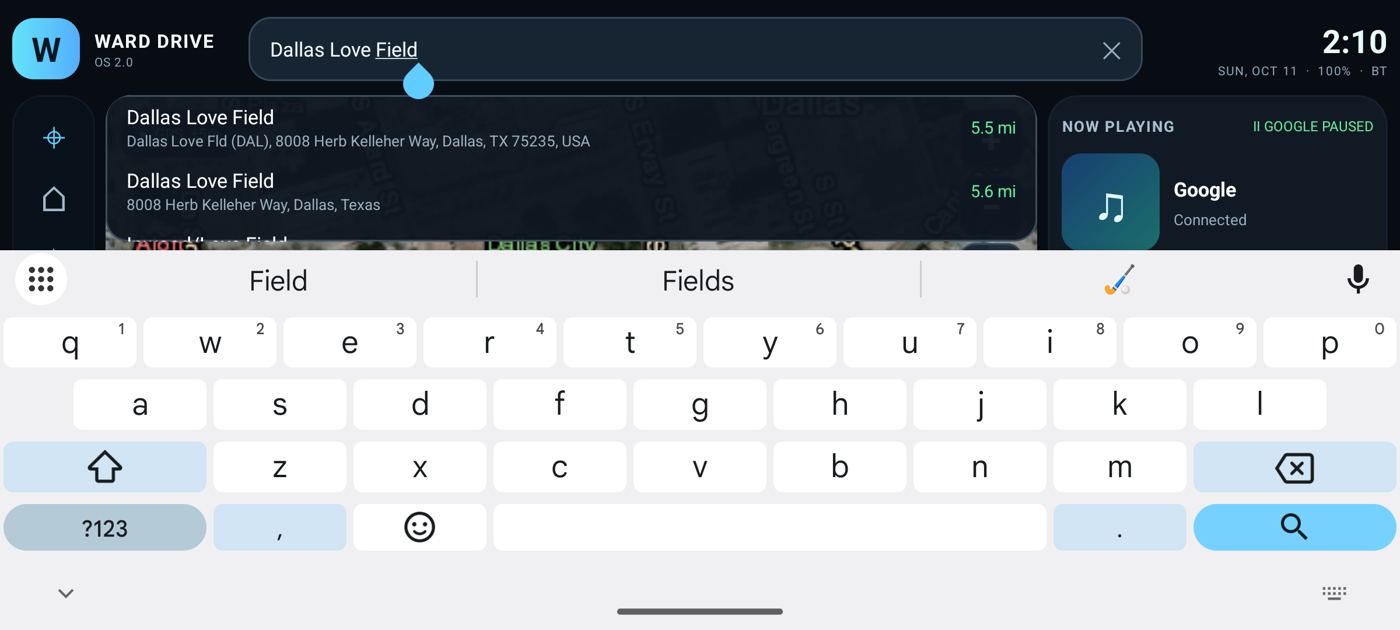
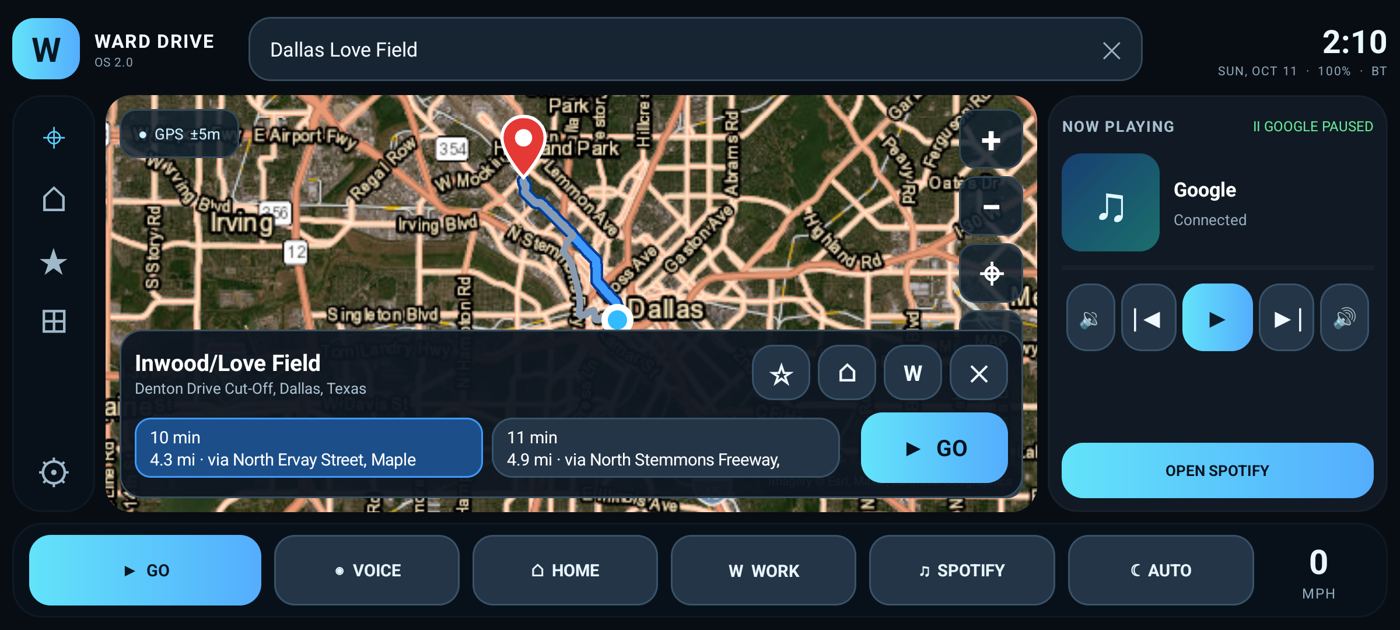
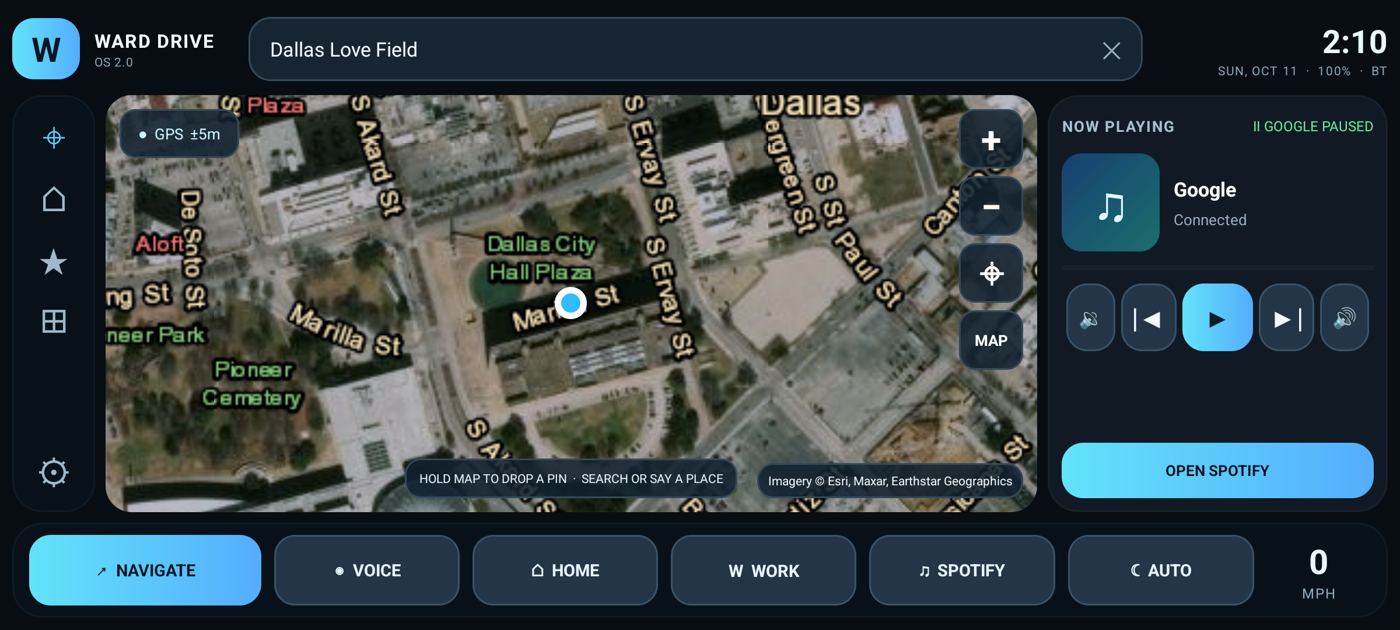
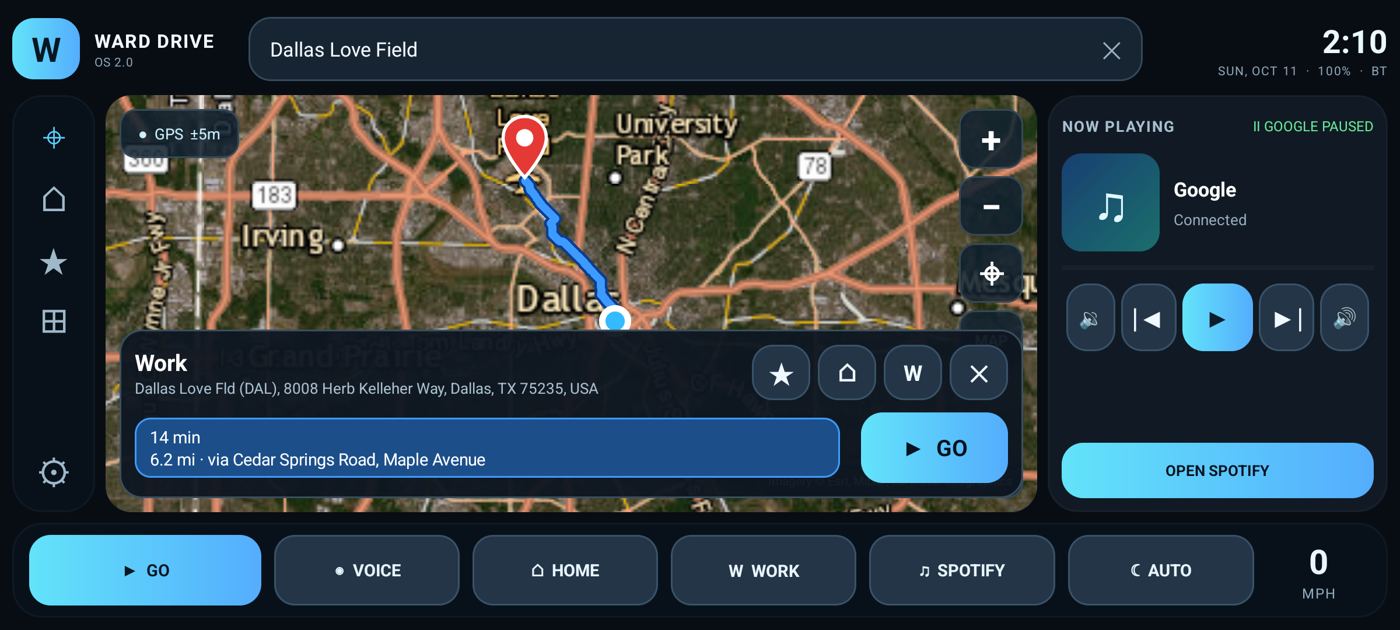
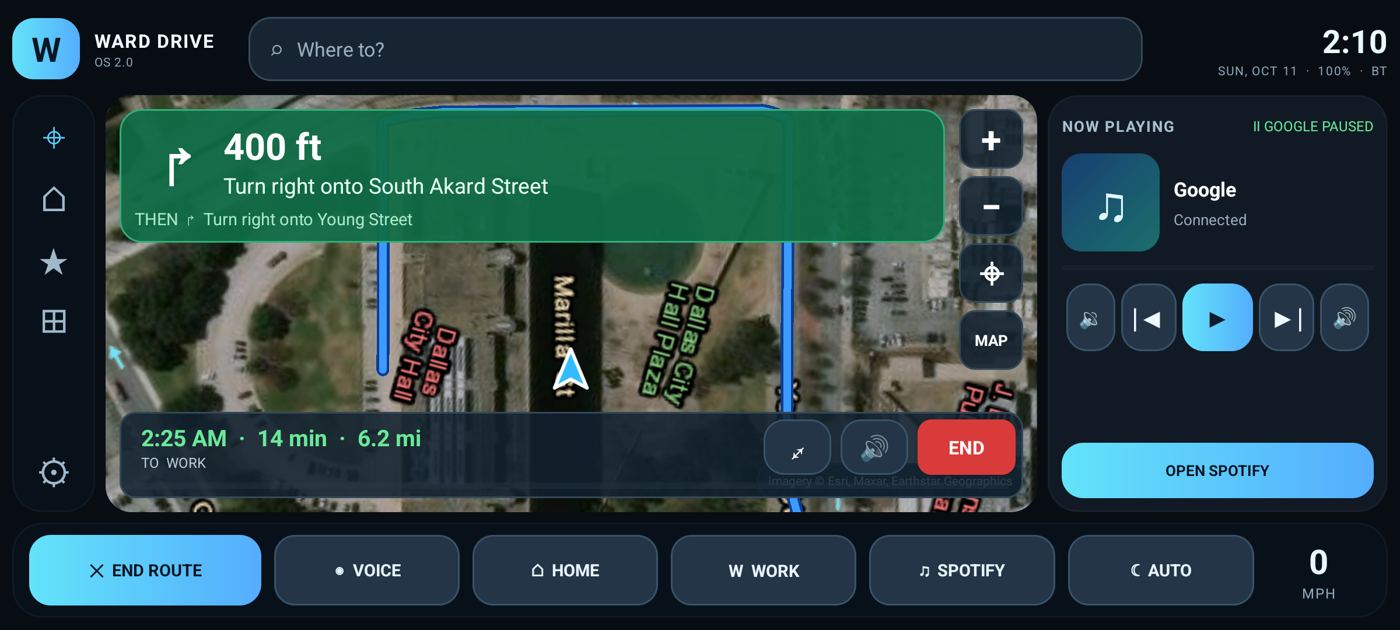
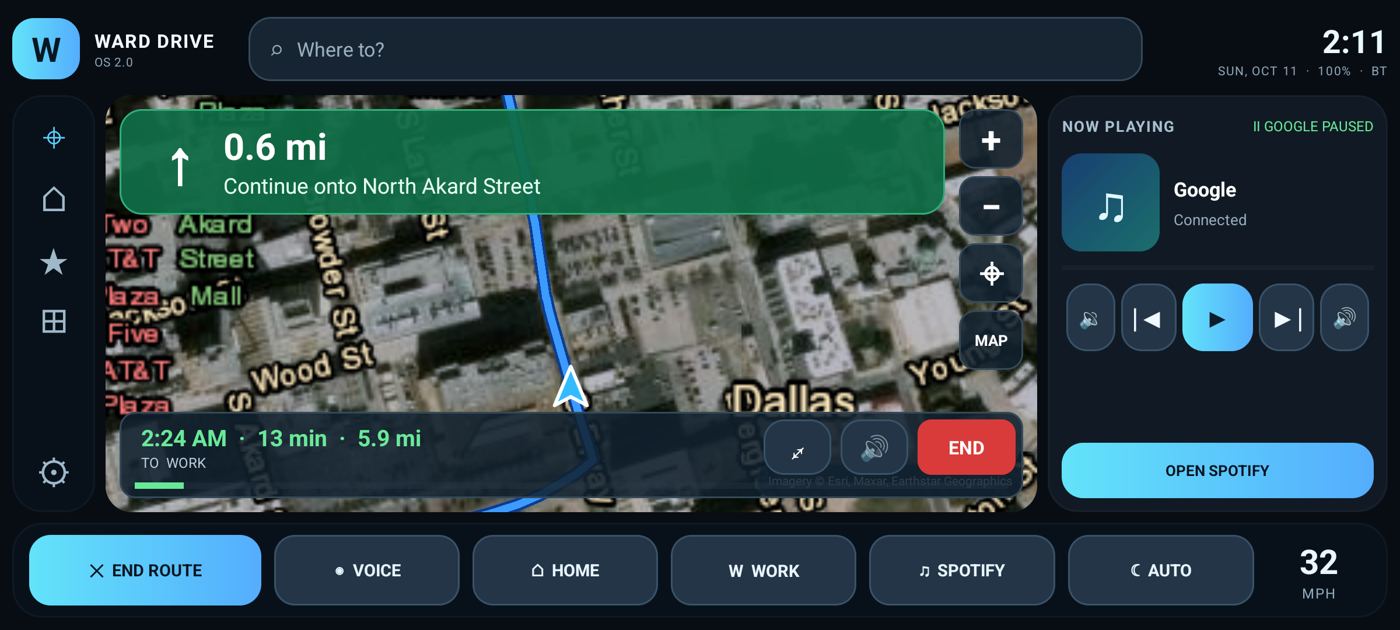
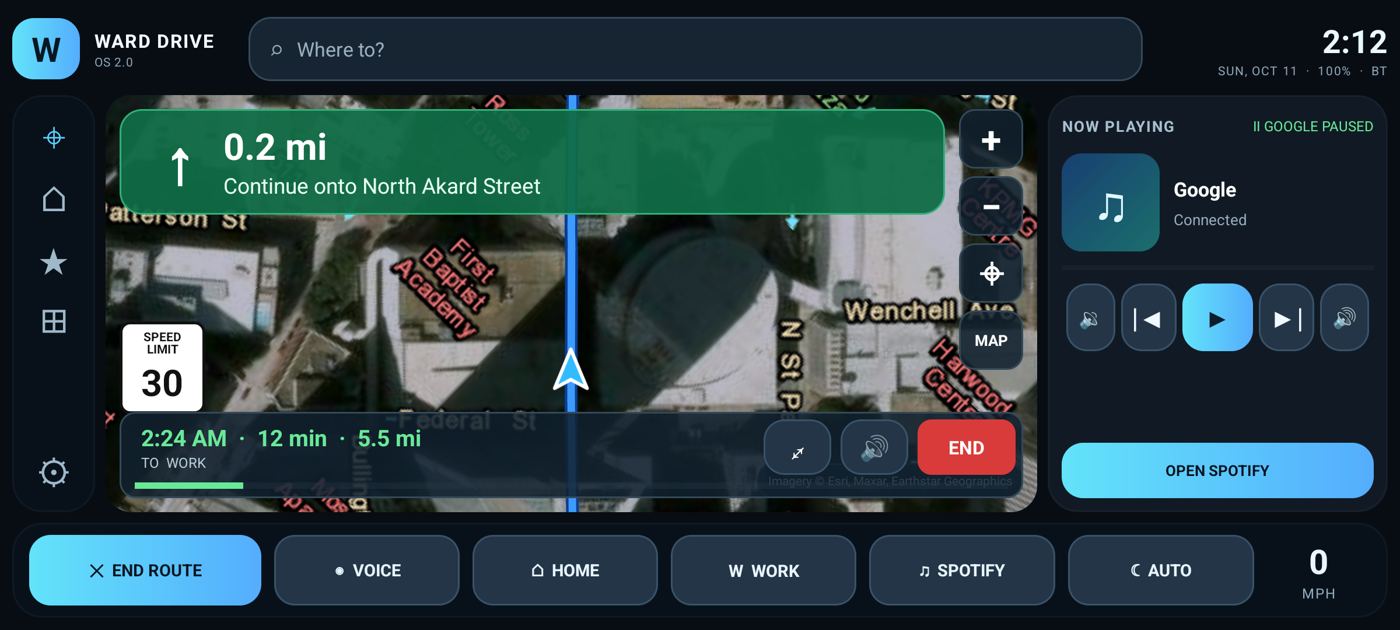
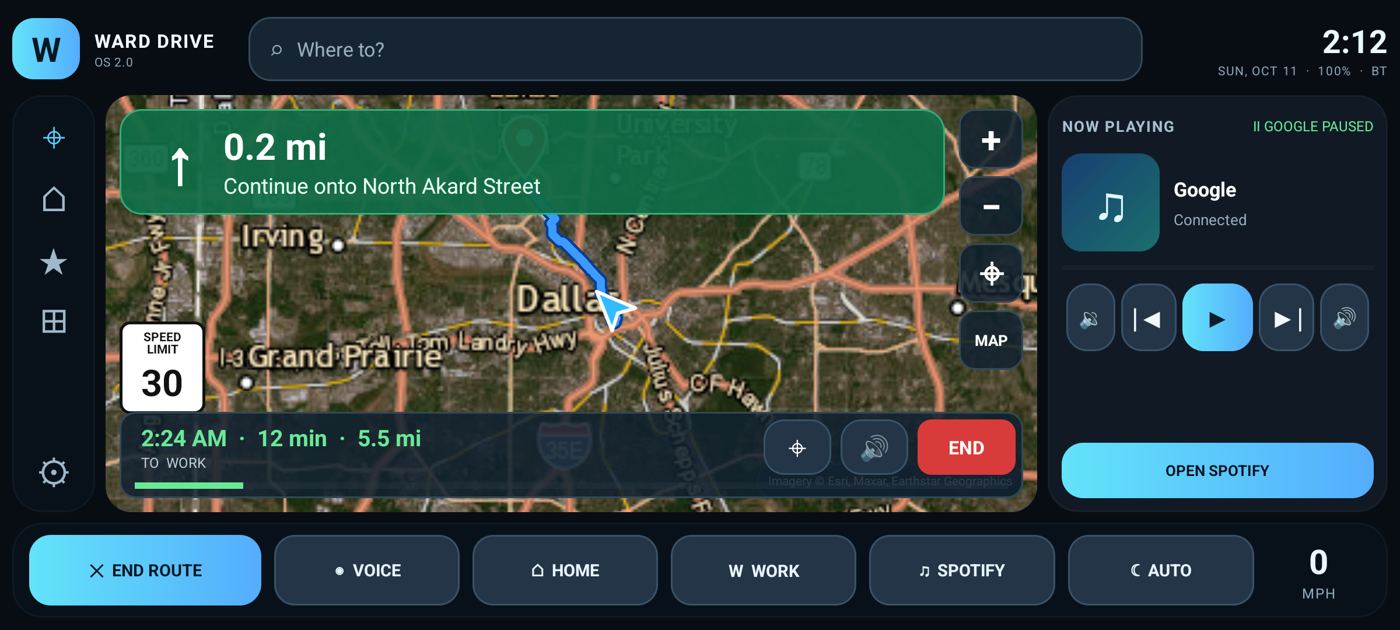
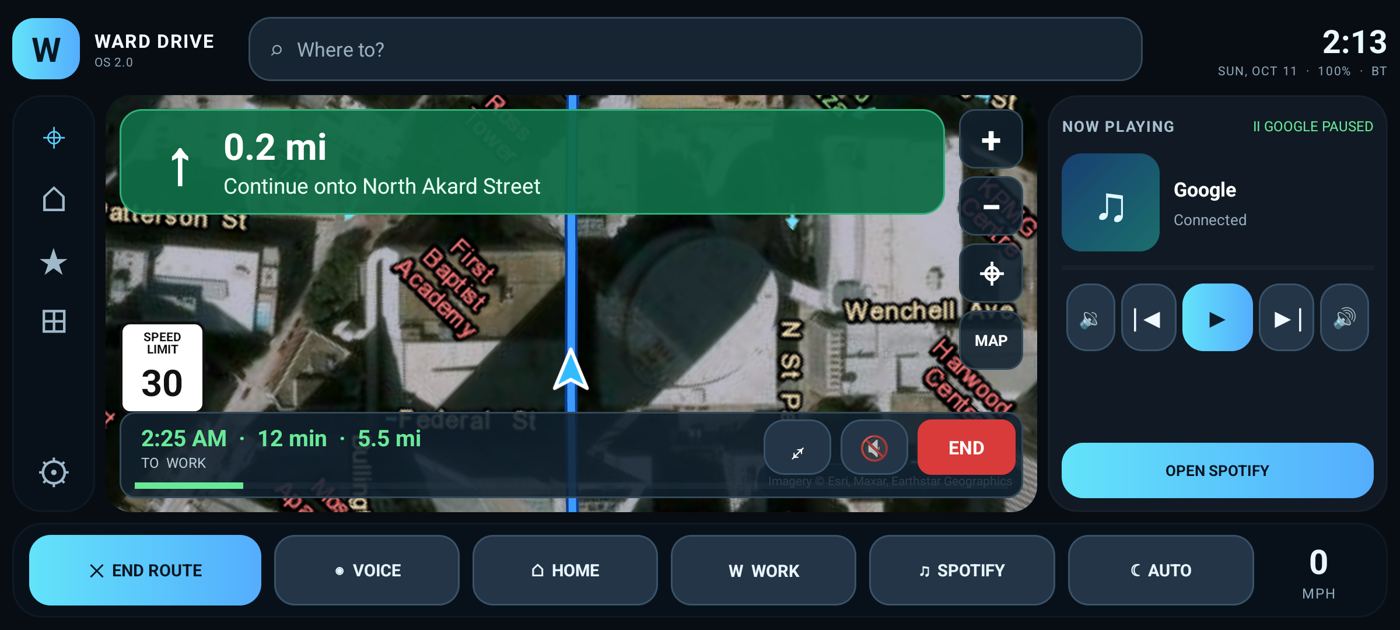
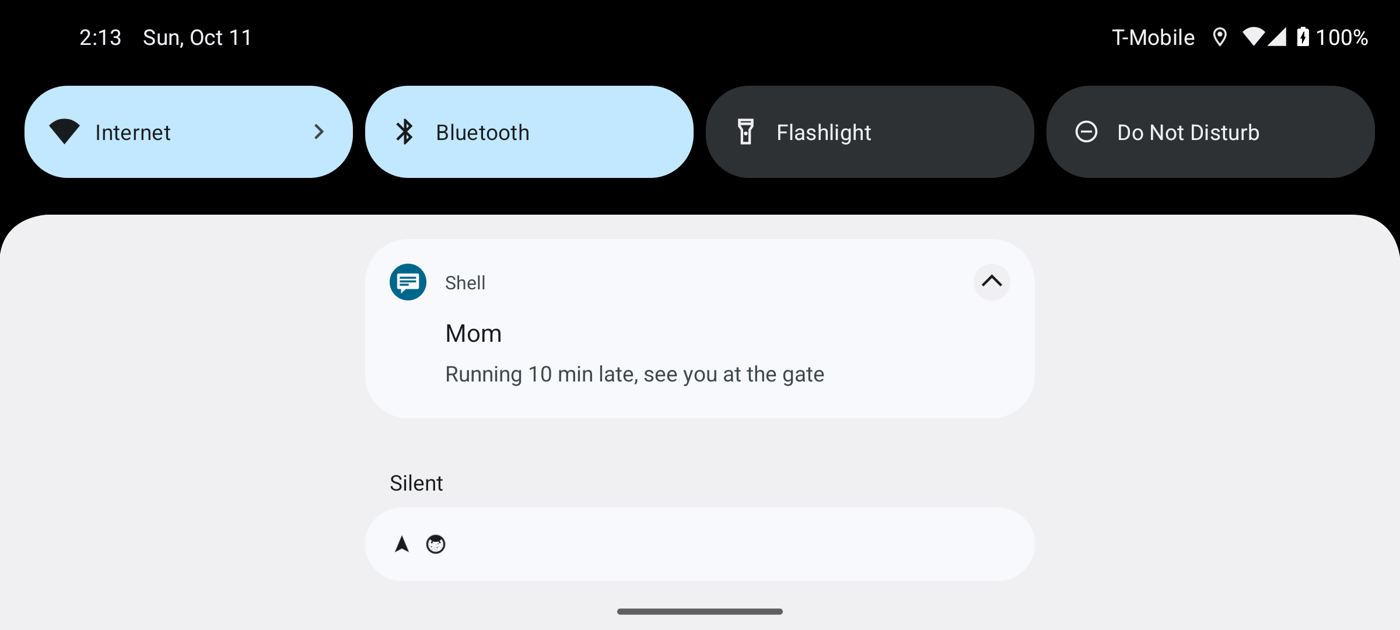
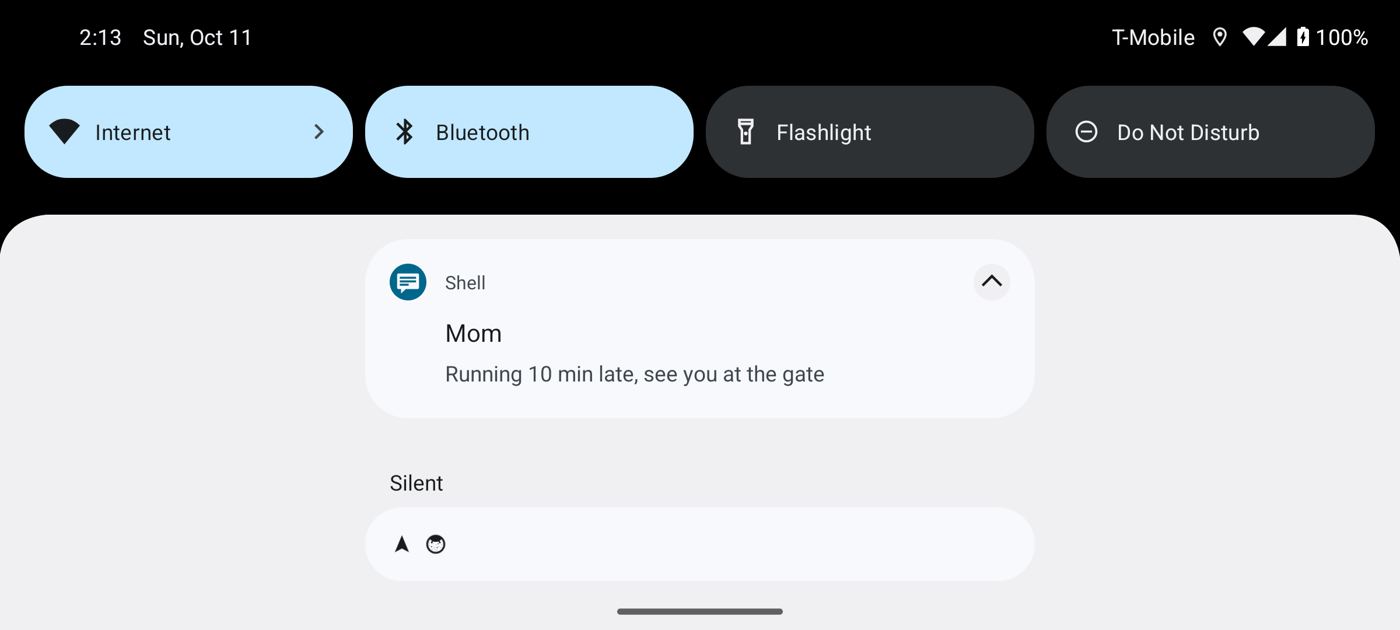
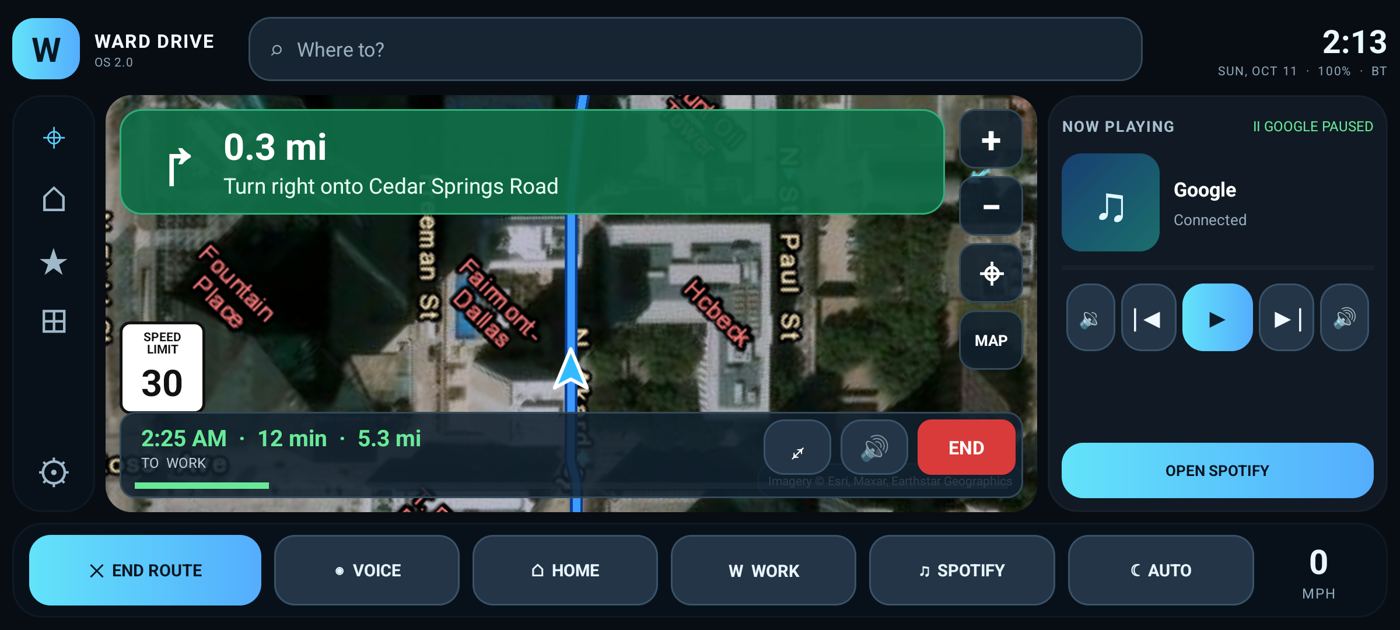
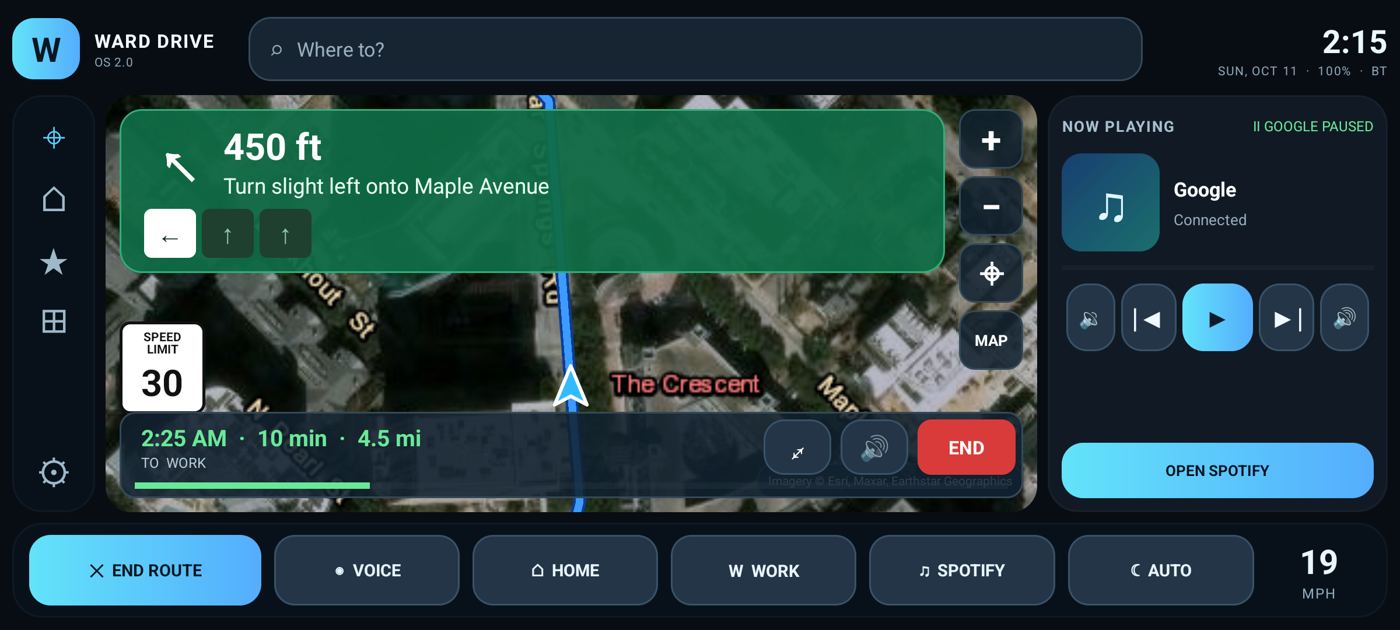
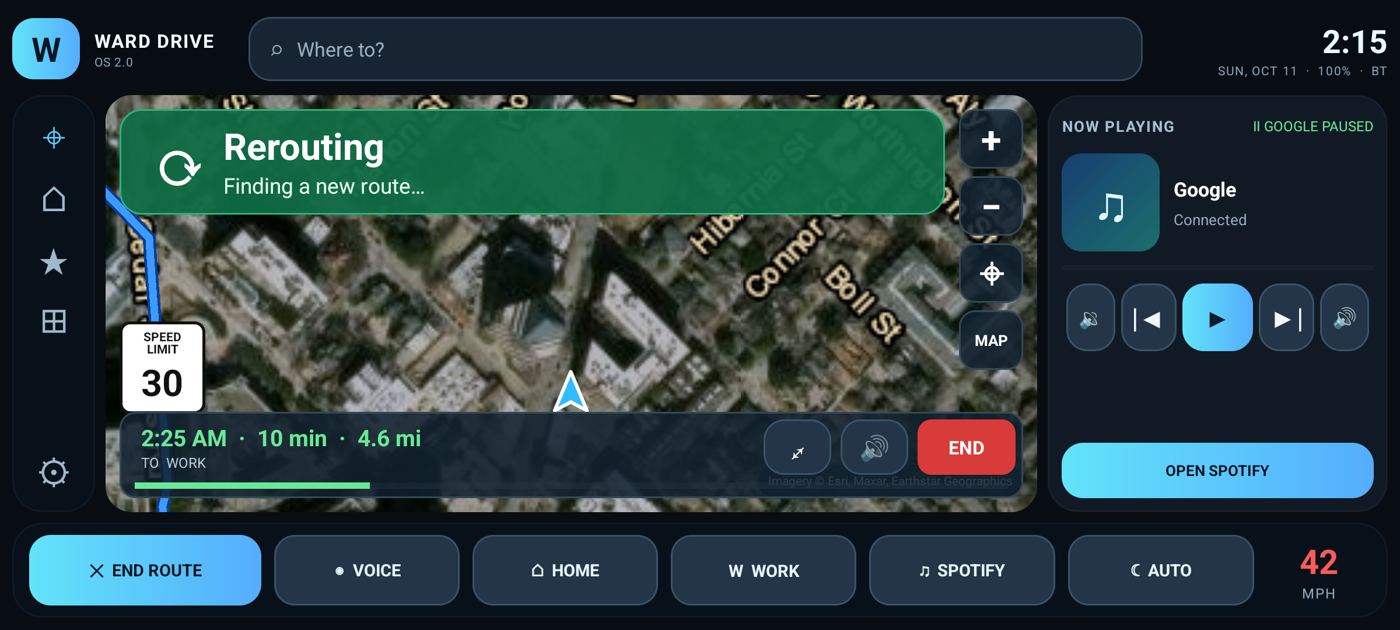
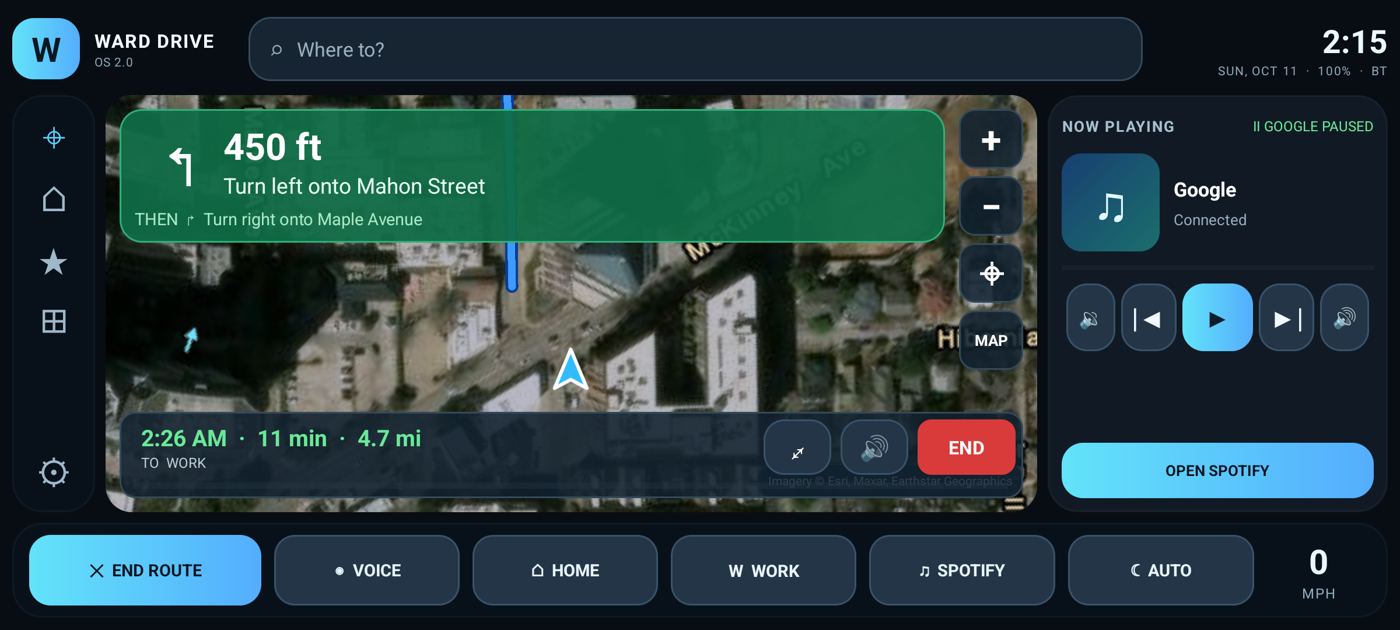
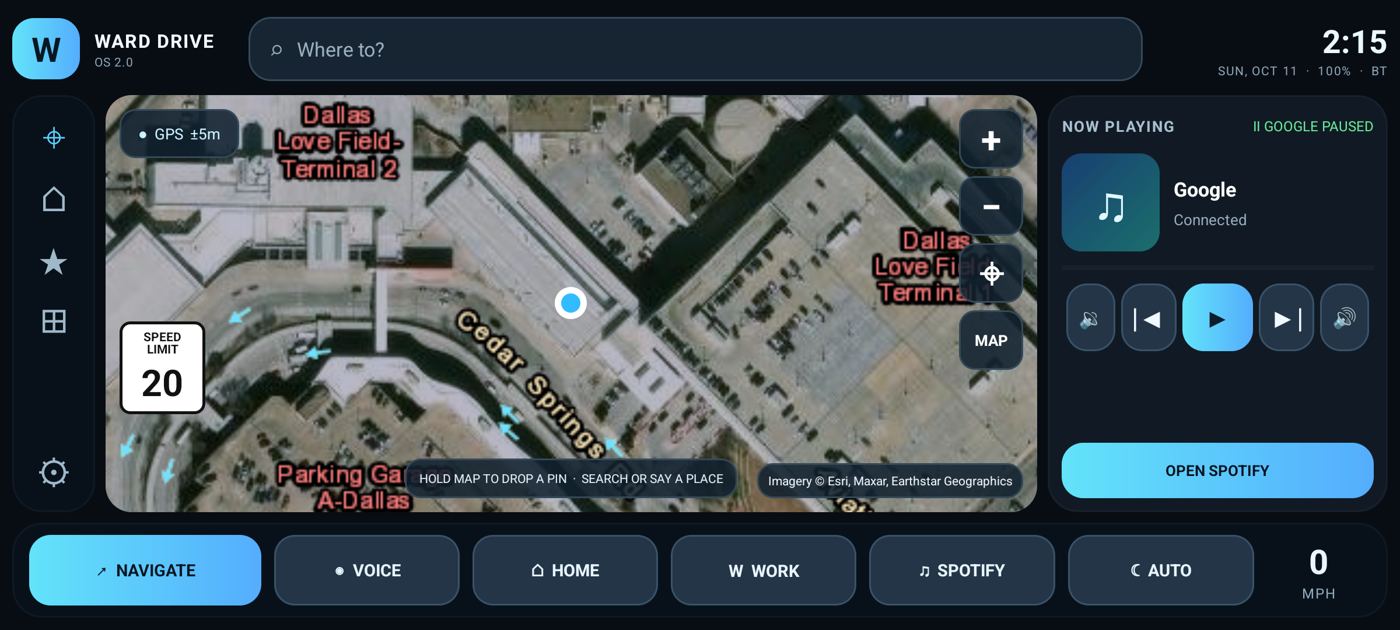
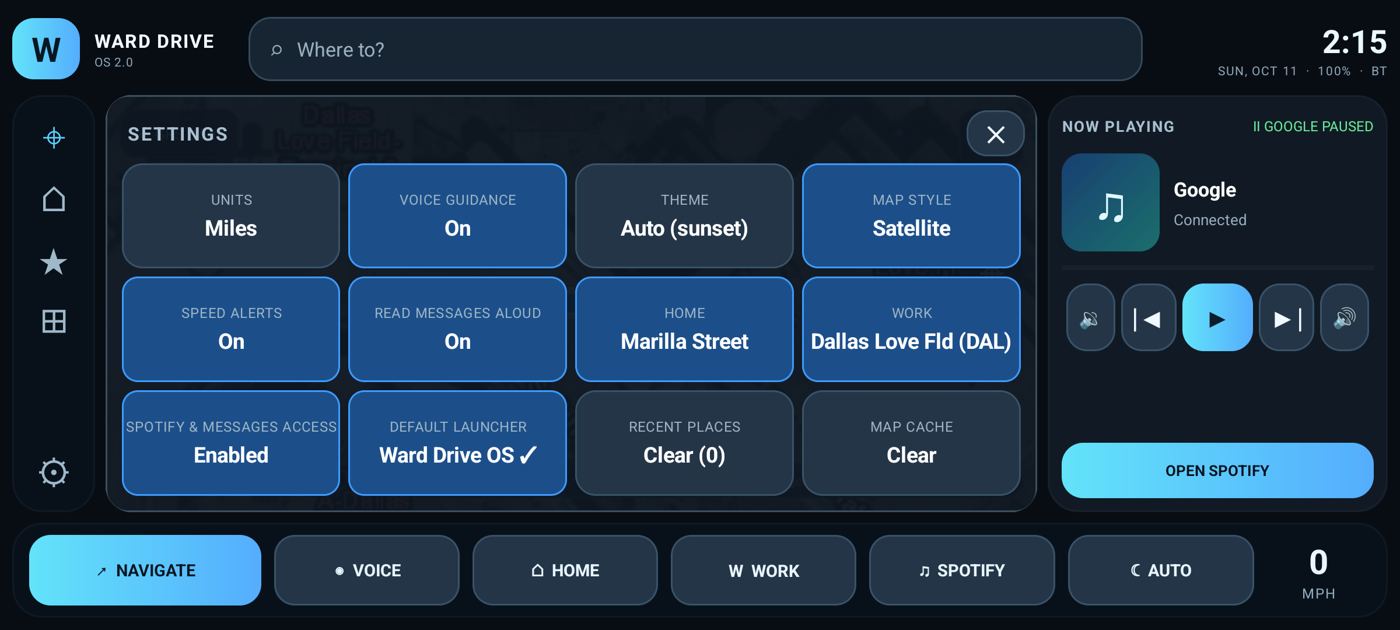
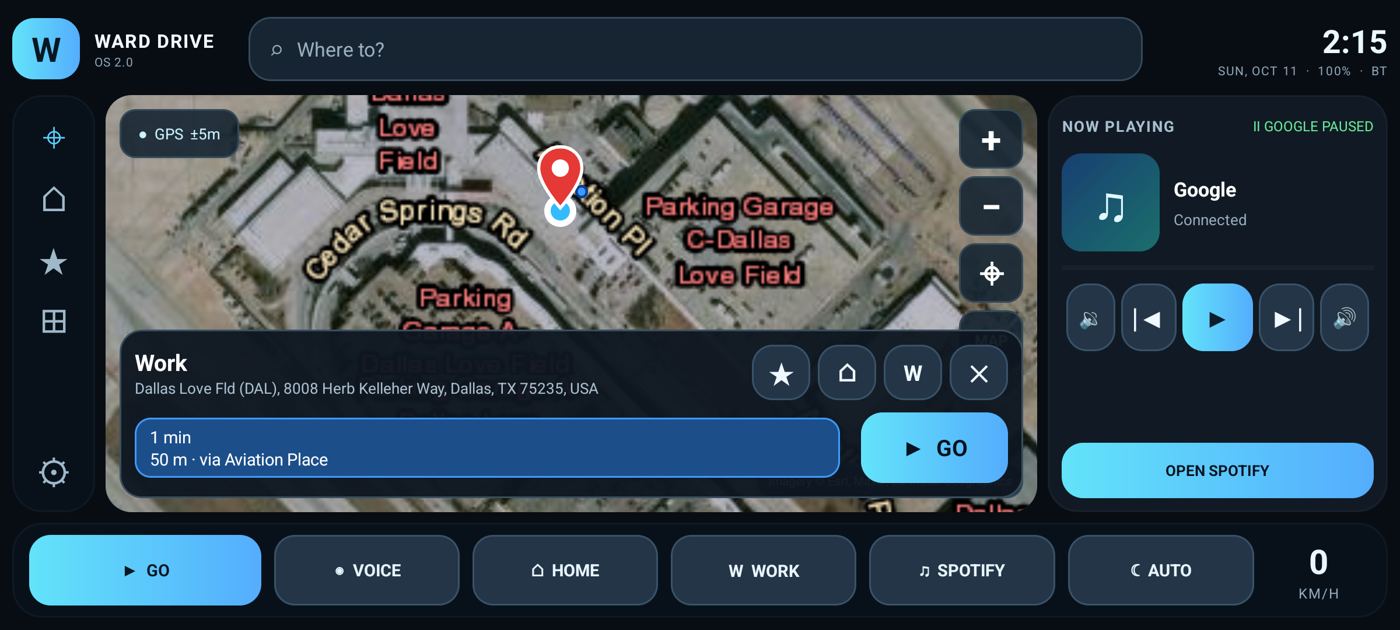
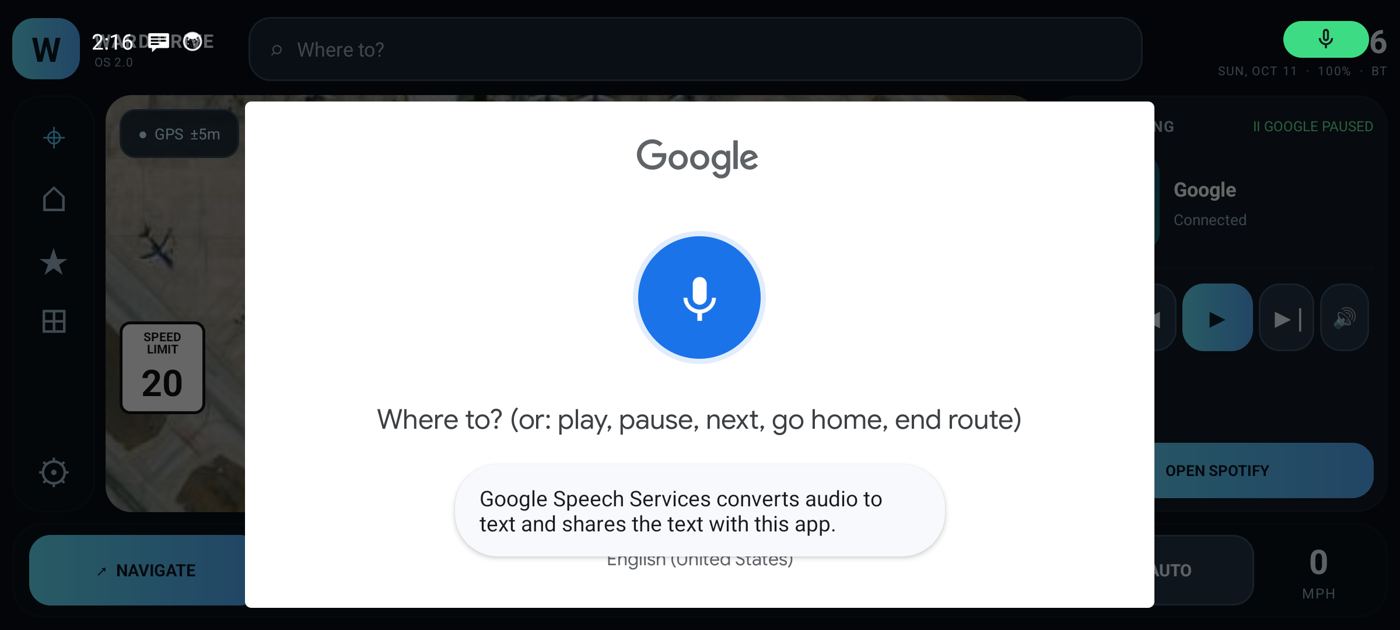
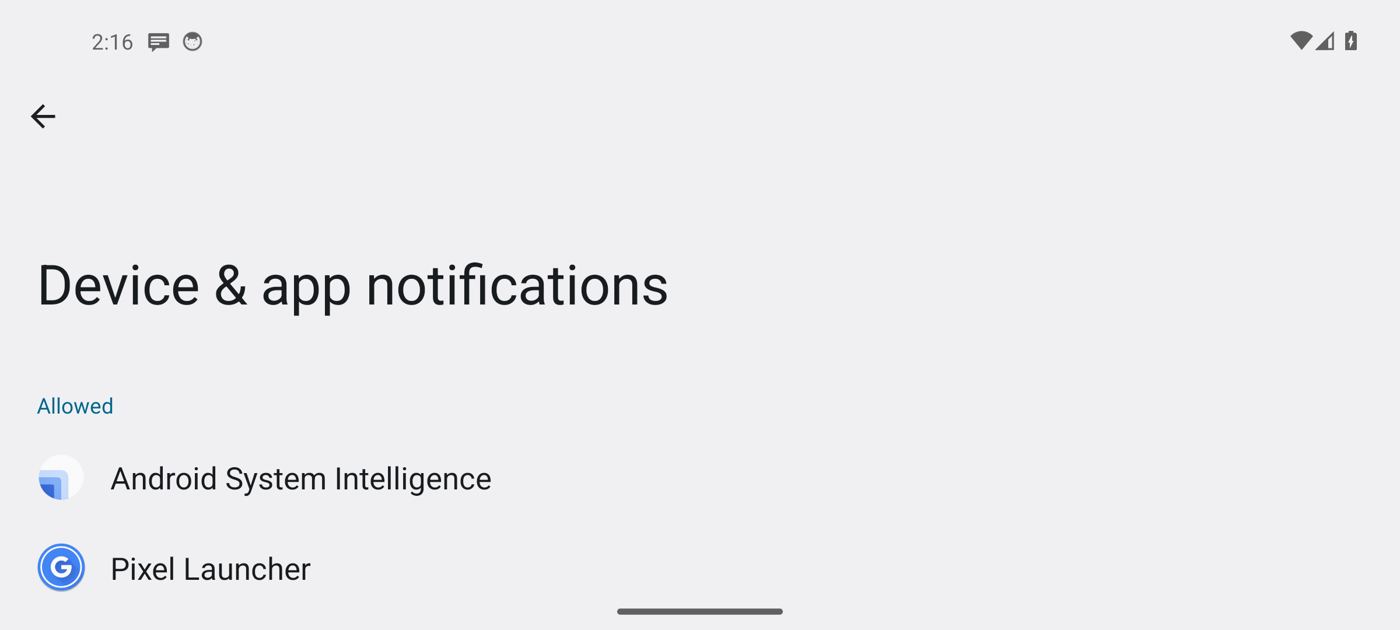
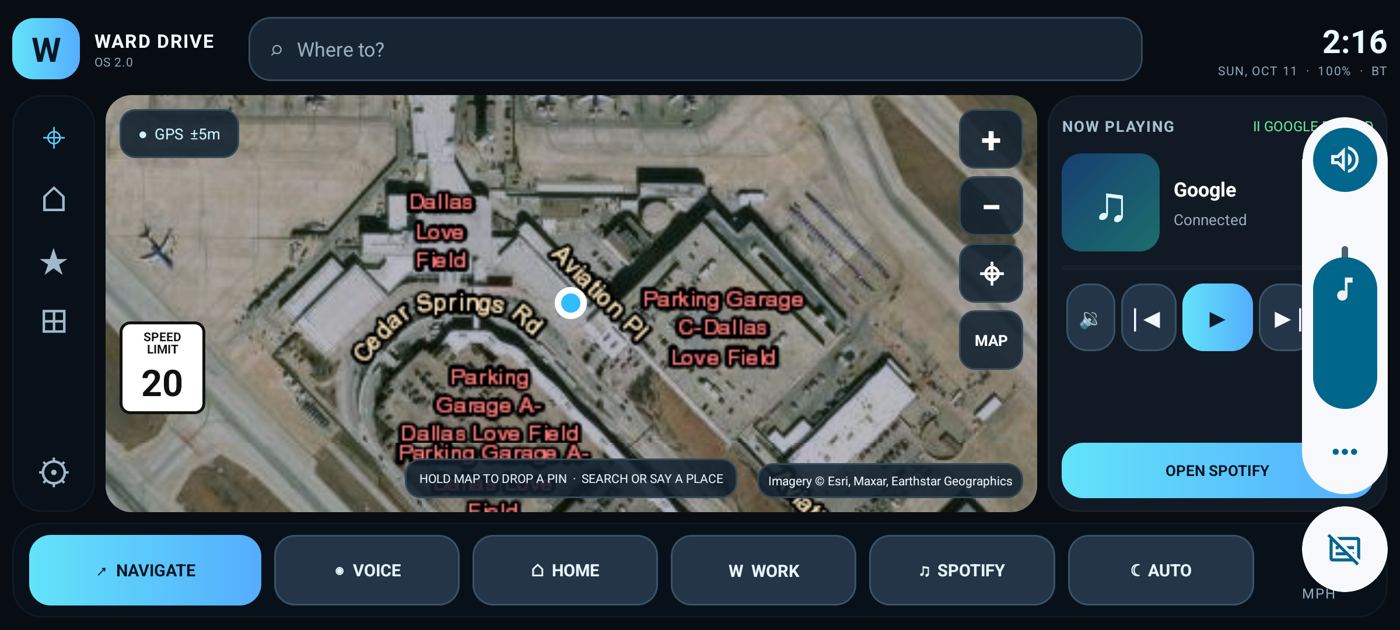
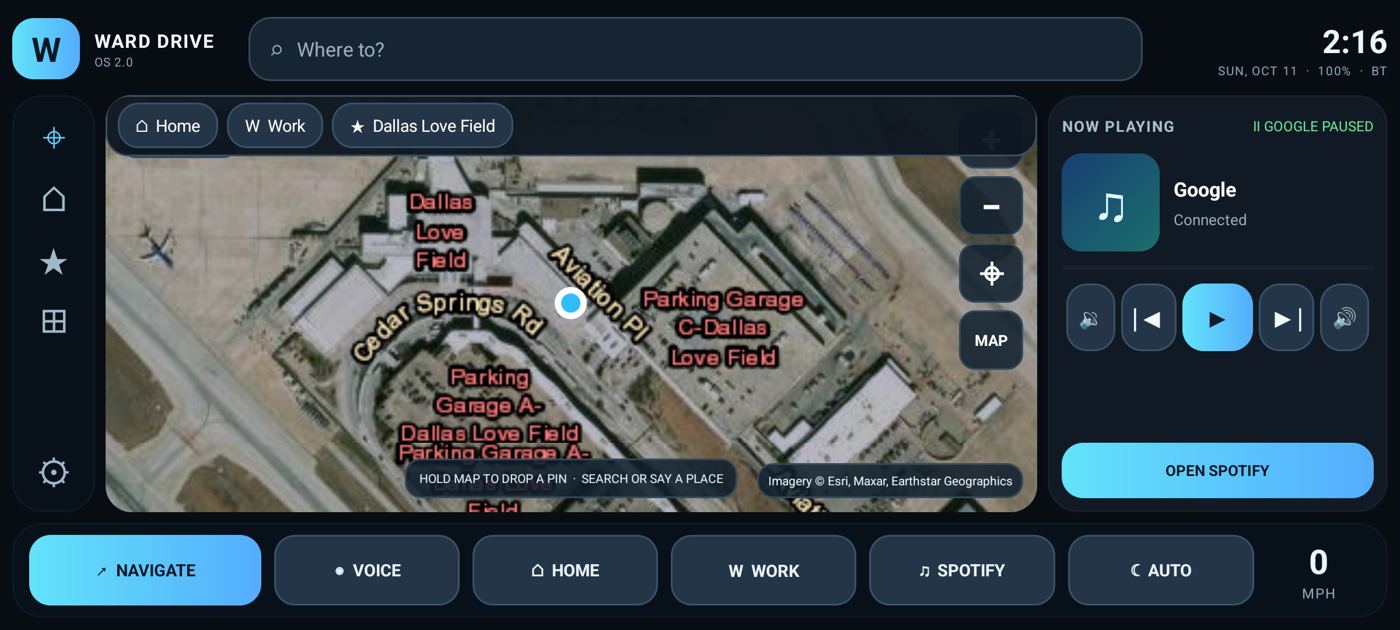
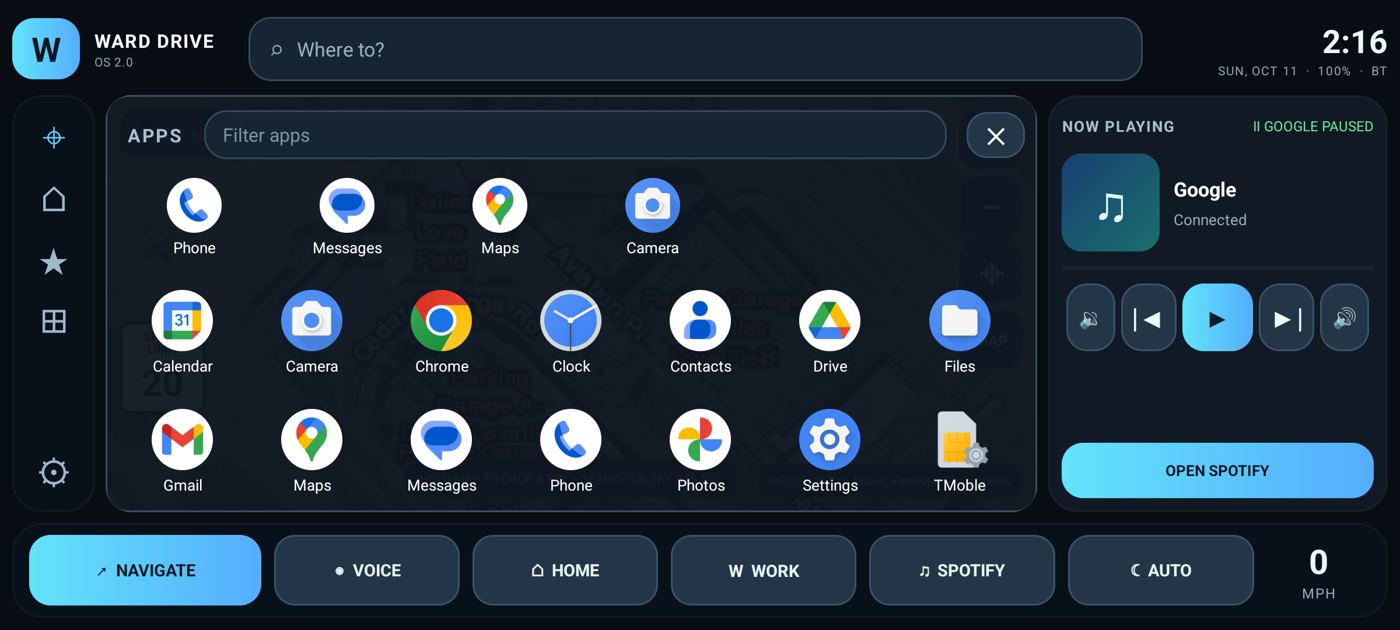
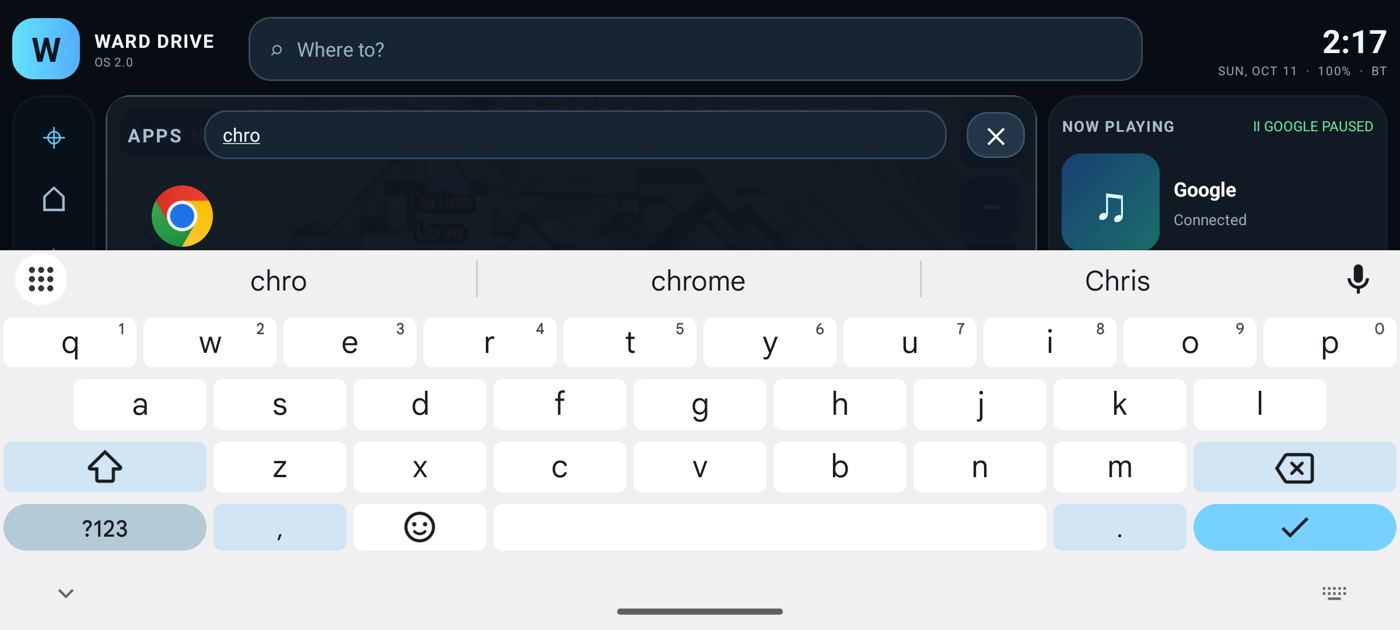
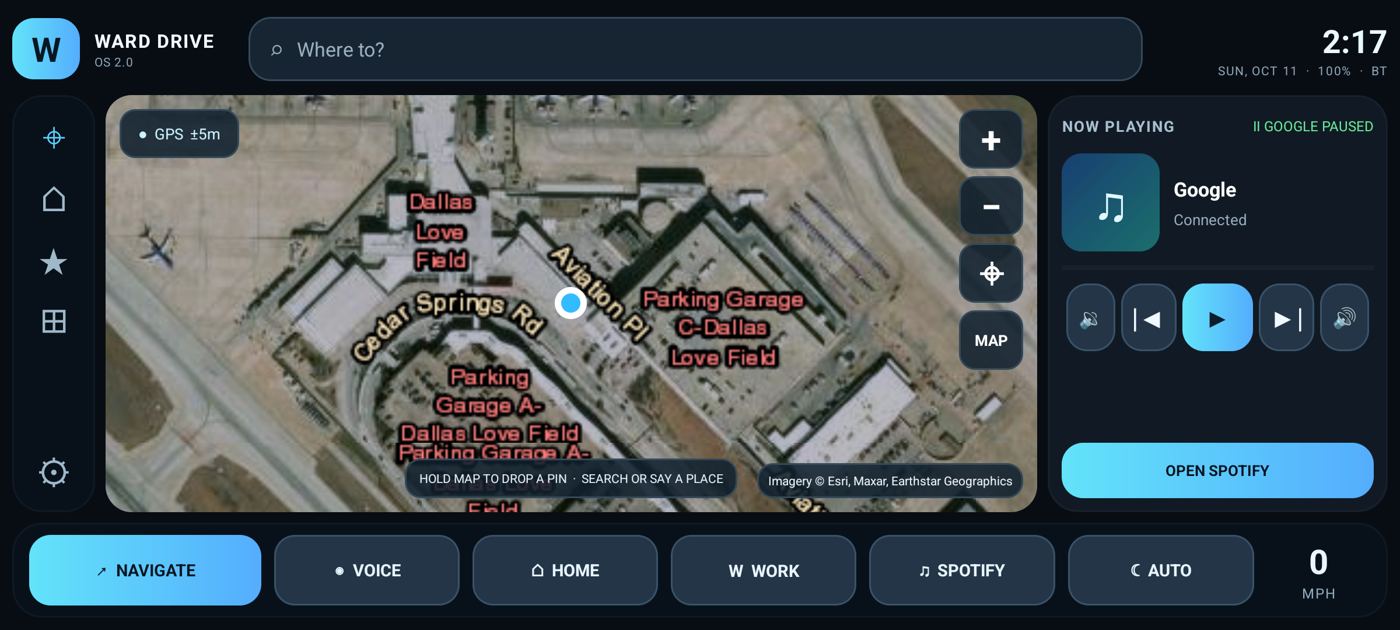
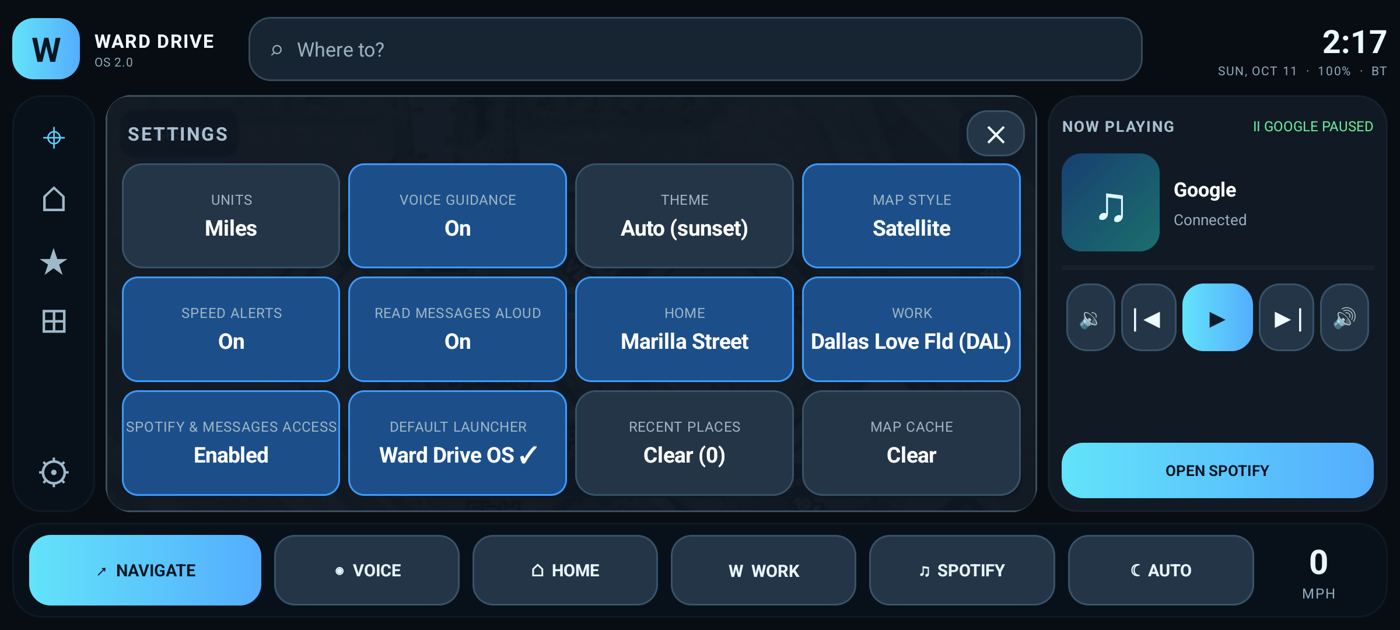
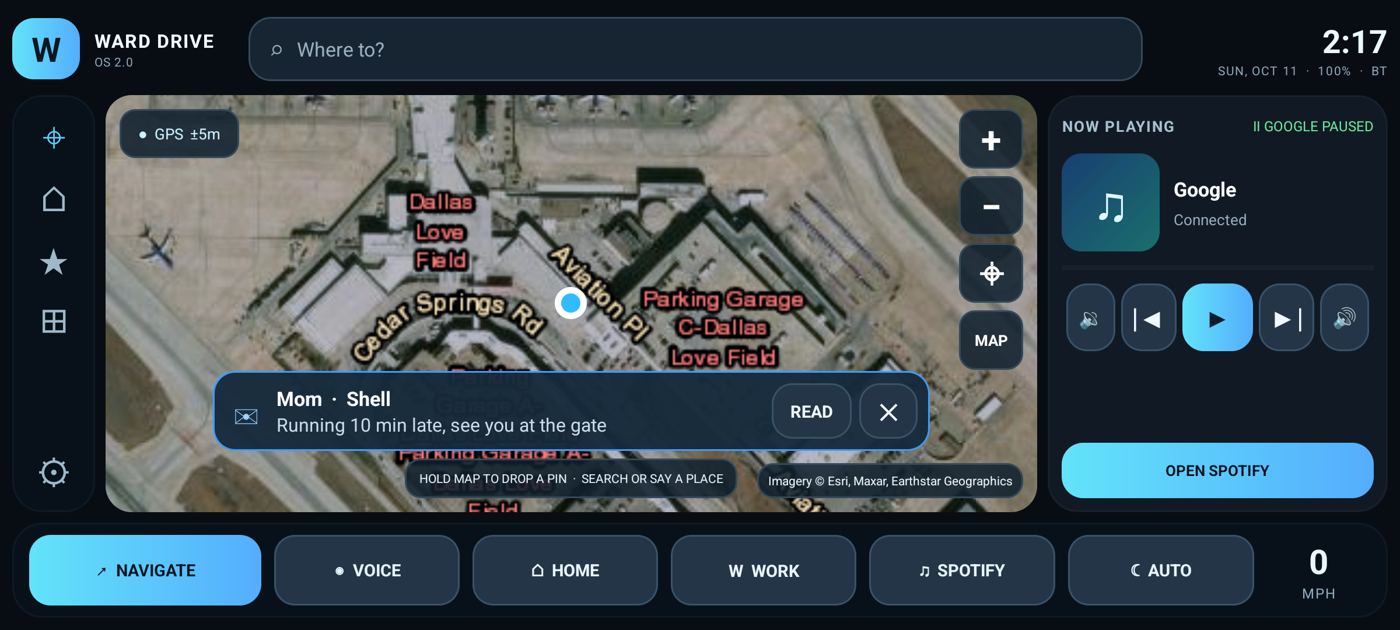
01_launch_satellite_night.jpg — Launch: satellite hybrid map, GPS lock, auto night theme, Spotify media access granted02_street_map.jpg — MAP button: OpenStreetMap street layer (night filter)03_day_theme_street.jpg — NIGHT/DAY button cycled to DAY: unfiltered street map04_day_theme_satellite.jpg — Satellite layer in DAY theme (true-color imagery with road/place labels)05_zoom_in.jpg — Zoom + button (follow mode pauses while the user controls the map)06_recenter.jpg — Recenter button (⌖) returns to GPS position07_search_quick_places.jpg — Search focused: quick row with Home / Work chips (keyboard open)08_search_live_results.jpg — Live results while typing: name, full address, straight-line distance09_route_preview.jpg — Route preview: route drawn + fitted, time / distance / via roads, ★ ⌂ W save buttons, GO10_favorite_saved.jpg — ★ tapped: destination saved to favorites (star filled, toast)11_set_work.jpg — W tapped: destination saved as Work12_quick_row_populated.jpg — Quick row now shows Work + ★ favorite chips13_dropped_pin_preview.jpg — Long-press on map: pin dropped, reverse-geocoded street name, route previewed14_home_saved_here.jpg — Long-press HOME: current GPS location saved as Home (toast)15_work_quick_route.jpg — WORK dock button: instant route preview to saved Work (Dallas Love Field)16_navigation_started.jpg — GO: turn banner, next maneuver distance, THEN line, ETA bar, END / mute / overview17_driving_heading_up.jpg — Driving: map rotates heading-up, car arrow on the road, live MPH, progress bar18_speed_limit_sign.jpg — Posted speed limit sign from OpenStreetMap maxspeed data (Overpass)19_route_overview.jpg — Overview (⤢): whole route fitted north-up, tap again to resume following20_voice_muted.jpg — Mute button toggled (🔇): spoken guidance off21_foreground_notification.jpg — Ongoing navigation notification: next turn + remaining, 'End route' action (guidance keeps running in background)22_background_guidance.jpg — App in background: notification keeps updating with the next maneuver while driving23_resume_from_background.jpg — Returning to the app: navigation state restored from the service24_lane_guidance.jpg — Lane guidance before maneuver 'slight left': valid lanes highlighted25_off_route_rerouting.jpg — Driver leaves the route: automatic 'Rerouting' after 3 off-route fixes26_rerouted.jpg — New route from the current position, guidance continues27_arrival.jpg — Arrival: spoken + toast 'Arrived', route cleared, back to idle map28_settings_panel.jpg — Settings (⚙) panel: units, voice, theme, map style, speed alerts, Home/Work, Spotify access, recents, cache29_metric_units.jpg — Metric units: km in preview and KM/H speedometer30_voice_prompt.jpg — VOICE button: Android speech recognizer prompt (or notice if no recognizer installed)31_notification_access_settings.jpg — Media access: Android notification-listener settings page for enabling Spotify controls32_volume_control.jpg — Volume + button: system media volume adjusted from the dashboard33_spotify_launch.jpg — SPOTIFY button: opens Spotify, or its Play Store page when not installed34_favorites_rail.jpg — ★ rail: favorites and recents (recent trip added after navigation)35_app_drawer.jpg — ⊞ APPS: launcher drawer with pinned Phone / Messages / Camera row and every installed app36_app_drawer_filter.jpg — App drawer filter: typing narrows the grid37_default_launcher_home_key.jpg — Ward Drive OS set as the default Home app: pressing the Home key from Settings lands on the dashboard38_settings_launcher_tile.jpg — Settings shows DEFAULT LAUNCHER = Ward Drive OS ✓ and READ MESSAGES ALOUD39_incoming_message_banner.jpg — Incoming message surfaced on the dashboard (and read aloud): sender, app, text, READ / dismiss